
Postman Pat: The Movie
UserScore
Stars

Stephen Mangan
Postman Pat (voice)

Jim Broadbent
CEO (voice)

Rupert Grint
Josh (voice)

David Tennant
Wilf (voice)

Ronan Keating
Postman Pat (singing voice)

Susan Duerden
Sara Clifton (voice)

Sandra Teles
Julian Clifton (voice)

T.J. Ramini
Ben Taylor (voice)

Peter Woodward
Carbunkle (voice)

Robin Atkin Downes
Simon Cowbell (voice)

Brian George
Ajay Bains (voice)

Parminder Nagra
Nisha Bains (voice)

Jo Wyatt
Meera Brains (voice)

Enn Reitel
PC Selby / Reverend Timms / Pat Wannabe 2 / Raed (voice)

Jane Carr
Mrs. Goggins / Granny (voice)

Dan Hildebrand
Ted Glenn (voice)

Darren Richardson
Alf Thompson / SDS Employee 2 (voice)

Jacob Witkin
George Lancaster / Major Forbes (voice)

Jean Gilpin
Miss Hubbard / Crowd Lady / Pat Wannabe 3 (voice)

Laura Solon
Chat Host (voice)

Olivia Poulet
Dorothy Thompson (voice)

Aimee Osbourne
Amy Wrigglesworth (voice)

Steven Kynman
Bill Thompson (voice)

Teresa Gallagher
Lucy Selby (voice)

Charlie Woodward
Charlie Pringle (voice)

Kieron Elliott
Michael Lam / SDS Employee 1 (voice)

Mike Disa
Jess / UDM 300 (voice)

Chris Evans
Radio Host (voice)

Craig Ferguson
Craig / Not a Dalek (voice)

Lucy Davis
Director 1 (voice)

Julian Stone
Director 2 / Stagehand 2 (voice)

Dee Bradley Baker
Pat Wannabe 1 (voice)

Tony Curran
Paparazzi 2 (voice)

Greg Ellis
Jimmy (voice)

Rachael Louise Miller
Walla Artist (voice)
Where to Watch Live Streams | SafeShell VPN for Netflix, Sports & More






SafeShell VPN: How to Watch Streaming Services Securely Anywhere
Step 1

Step 2
Step 3
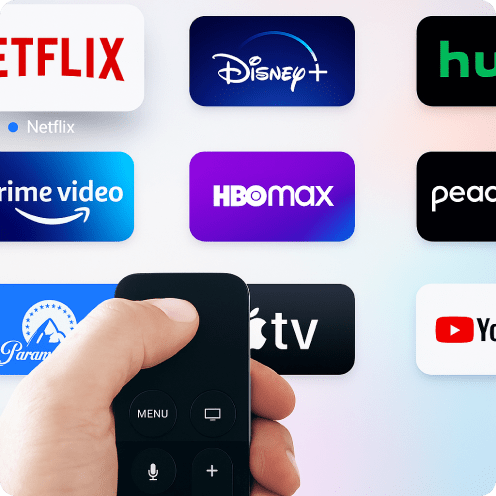
SafeShell VPN Support streaming service
*A separate streaming subscription may be required
FAQ
Is using a VPN for streaming legal?
With SafeShell VPN, you can securely access your streaming services while traveling, enjoy fast, private streaming, and stay compliant with content policies.
How does a VPN affect streaming?
It also lets you stream as if you were in another region, helping you access geo-restricted content and watch shows available only in specific countries — all with fast, private, and secure streaming.
How do l set up a VPN for streaming?
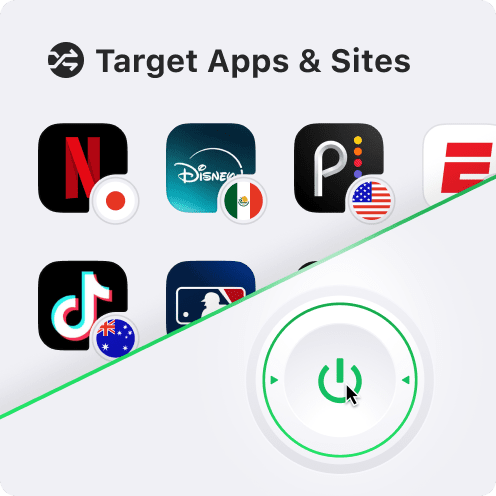
1. Download and install SafeShell VPN on your device, then sign up for an account.
2. Connect to a streaming-optimized server in your preferred country.
3. Open your streaming service, log in if needed, and enjoy your favorite shows securely from anywhere.
With SafeShell VPN, you get fast, private, and buffer-free streaming on all major platforms.
More Great Shows and Movies






Feedback to us and we will get back to you as soon as possible.
 Join Our Telegram
Or Email Us: support@safeshellvpn.com
- Cross-platform compatibility across all platforms, up to 5 devices.
- Stable and seamless streaming unlocking experience, with ongoing updates to support apps and servers.
- Zero logs for maximizing privacy and data security protection.
Sign In Successful
Sign In Failed
Don't have an account?
Choose any method to create an account.

Sorry, no further details are available at the moment. Let us know if you need more!