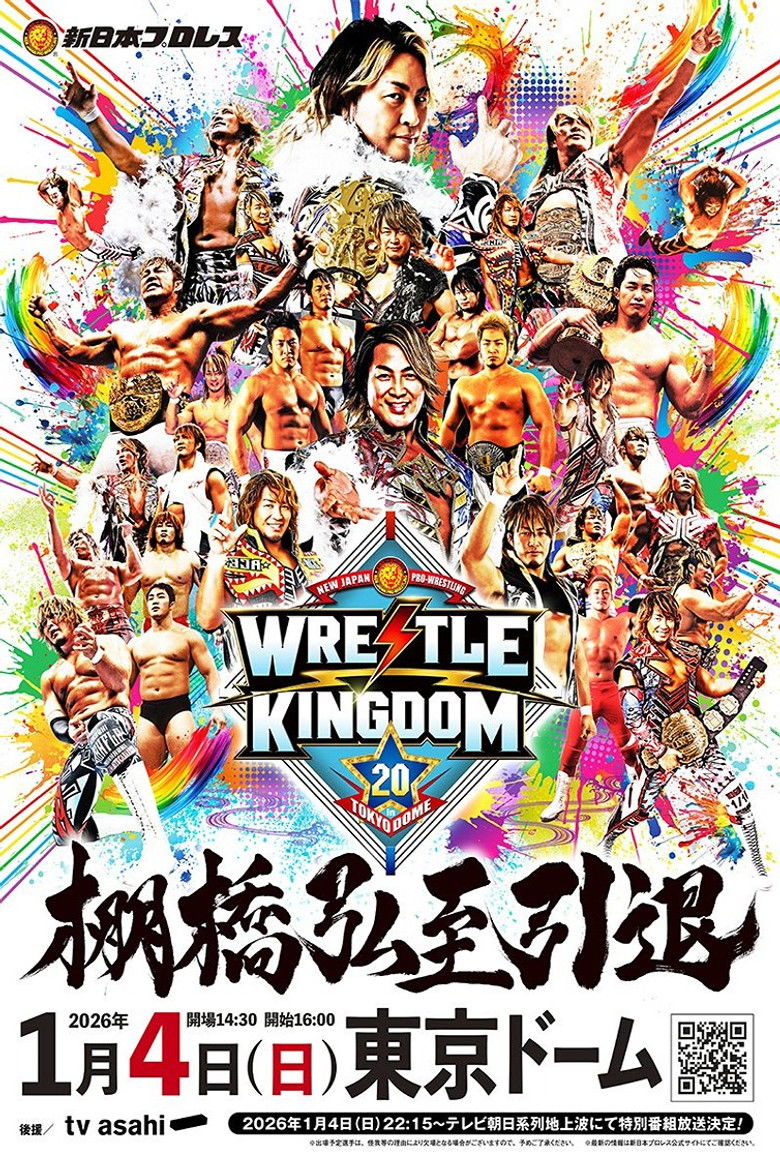
NJPW Wrestle Kingdom 20
UserScore
Key word
- wrestling
- pro wrestling
- puroresu
- wrestling retirement
Stars

Hiroshi Tanahashi
Hiroshi Tanahashi

Kazuchika Okada
Kazuchika Okada

Konosuke Takeshita
Konosuke Takeshita

Yota Tsuji
Yota Tsuji
Takaaki Watanabe
EVIL

Aaron Phillip Wolf
Aaron Wolf

Kyosuke Mikami
El Desperado

Kosei Fujita
Kosei Fujita

Taiji Ishimori
Taiji Ishimori

Sho Tanaka
SHO

Shin Takagi
Shingo Takagi

David Stephen Finlay III
David Finlay

Gabriel McMenamin
Gabe Kidd

Daniel Moloney
Drilla Moloney

Hiromu Takahashi
Hiromu Takahashi

Tomoyuki Oka
Great-O-Khan

Callum Newman
Callum Newman

Manuel Alfonso Andrade Oropeza
Andrade El Idolo
Aaron Henry
HENARE

Lee Jae-kyung
Jake Lee

Syuri Kondo
Syuri

Saya Kamitani
Saya Kamitani

Riley Vigier
El Phantasmo

Chris Brookes
Chris Brookes
Hirai Kawato
Master Wato

Yōhei Komatsu
YOH

Toru Yano
Toru Yano

Kaisei Takechi
Kaisei Takechi

Shota Umino
Shota Umino

Yuya Uemura
Yuya Uemura

Hirooki Goto
Hirooki Goto

Nobuo Yoshihashi
YOSHI-HASHI

Oleg Igorevich Boltin
Oleg Boltin

Luke James Uggles Eatwell
Zack Sabre Jr.

Ryohei Oiwa
Ryohei Oiwa

Hartley Jackson
Hartley Jackson

Togi Makabe
Togi Makabe

Yoshihiro Yamazaki
Tiger Mask

Ryusuke Taguchi
Ryusuke Taguchi
Yuto Nakashima
Yuto-Ice

Oskar Münchow
OSKAR

Connor Deutsch
Clark Connors

Tomohiro Ishii
Tomohiro Ishii

Maki Taichiro
Taichi

Satoshi Kojima
Satoshi Kojima

Ren Narita
Ren Narita

Seiya Sanada
SANADA

Yoshinobu Kanemaru
Yoshinobu Kanemaru

Walker Stewart
Walker Stewart - English Commentary

Chris Charlton
Chris Charlton - English Commentary

John Raymond Rivera
Rocky Romero - English Commentary

Jamie White
Jay White (Appearance)

William Ospreay
Will Ospreay (Appearance)

Tyson Smith
Kenny Omega (Appearance)

Kota Ibushi
Kota Ibushi (Appearance)

Tatsumi Fujinami
Tatsumi Fujinami (Appearance)
Tetsuya Shimizu
BUSHI (Appearance)

Tetsuya Naito
Tetsuya Naito (Appearance)
SafeShell VPN: How to Watch Streaming Services Securely Anywhere
Step 1

Step 2
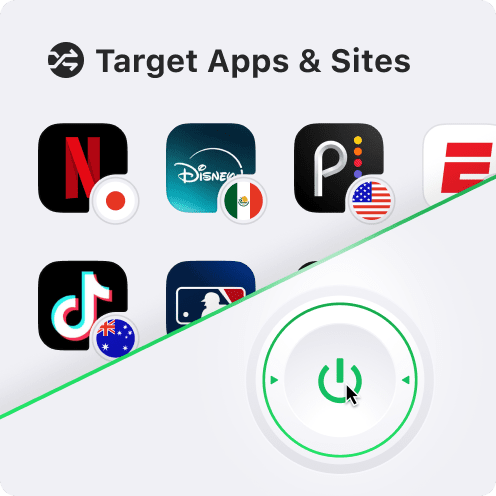
Step 3
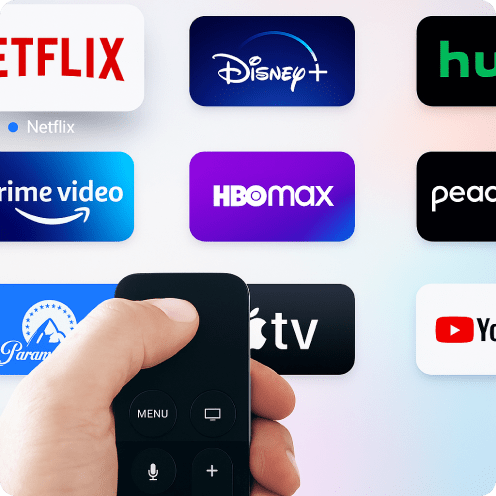
SafeShell VPN Support streaming service
*A separate streaming subscription may be required
FAQ
Is using a VPN for streaming legal?
With SafeShell VPN, you can securely access your streaming services while traveling, enjoy fast, private streaming, and stay compliant with content policies.
How does a VPN affect streaming?
It also lets you stream as if you were in another region, helping you access geo-restricted content and watch shows available only in specific countries — all with fast, private, and secure streaming.
How do l set up a VPN for streaming?
1. Download and install SafeShell VPN on your device, then sign up for an account.
2. Connect to a streaming-optimized server in your preferred country.
3. Open your streaming service, log in if needed, and enjoy your favorite shows securely from anywhere.
With SafeShell VPN, you get fast, private, and buffer-free streaming on all major platforms.
More Great Shows and Movies


- Cross-platform compatibility across all platforms, up to 5 devices.
- Stable and seamless streaming unlocking experience, with ongoing updates to support apps and servers.
- Zero logs for maximizing privacy and data security protection.
Sign In Successful
Sign In Failed
Don't have an account?
Choose any method to create an account.

Sorry, no further details are available at the moment. Let us know if you need more!